Cascade: Echo Protocol
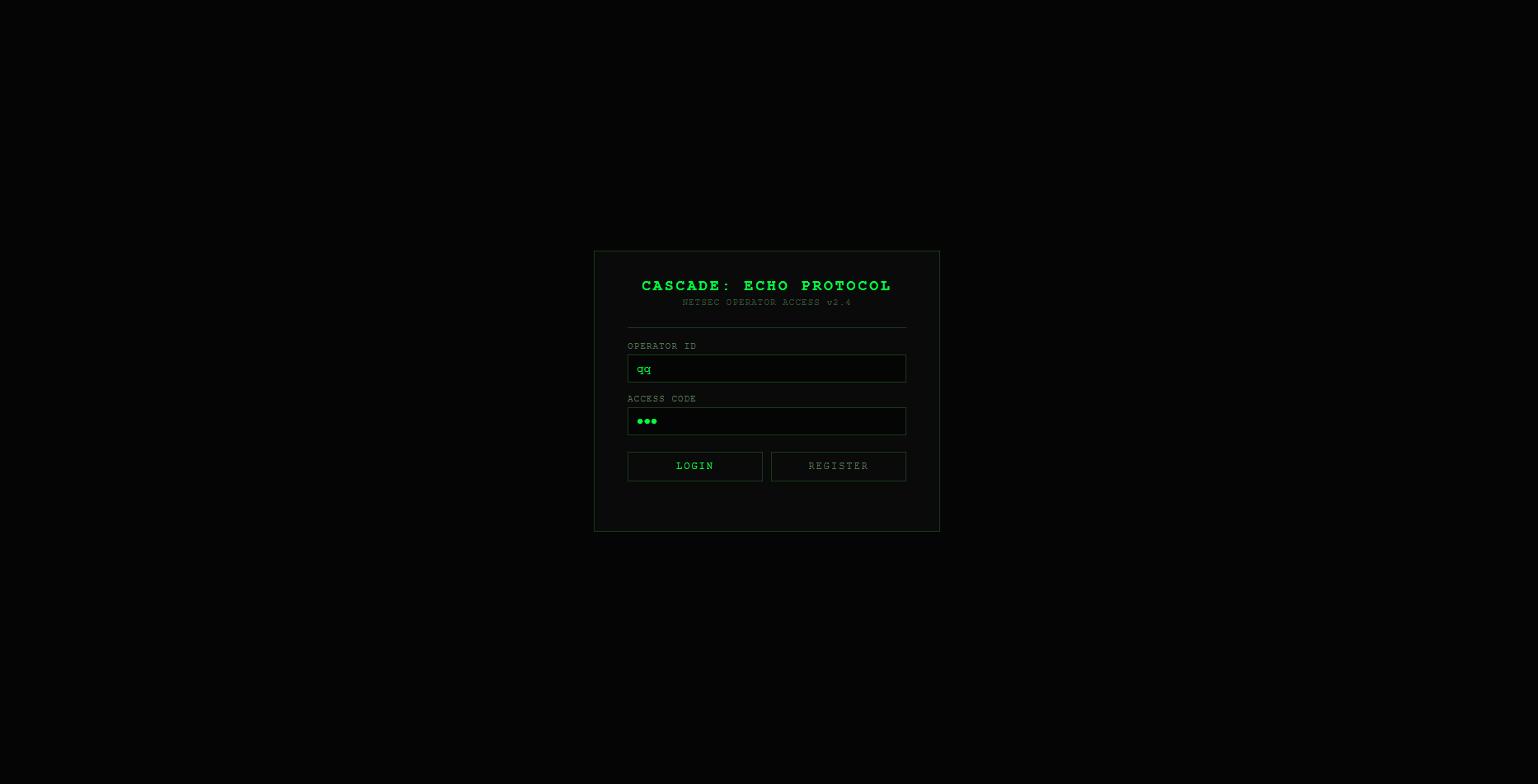
Cascade: Echo Protocol is a puzzle game where you are a network analyst at Cascade Dynamics Corporation. Users are complaining about slow operation of the servers, and you are to sort it out. Soon you discover a hidden virus "blooms", taking over servers one by one, and the hacker hides behind a chain of proxy "mirrors" with constantly drifting addresses.
---
COMMANDS
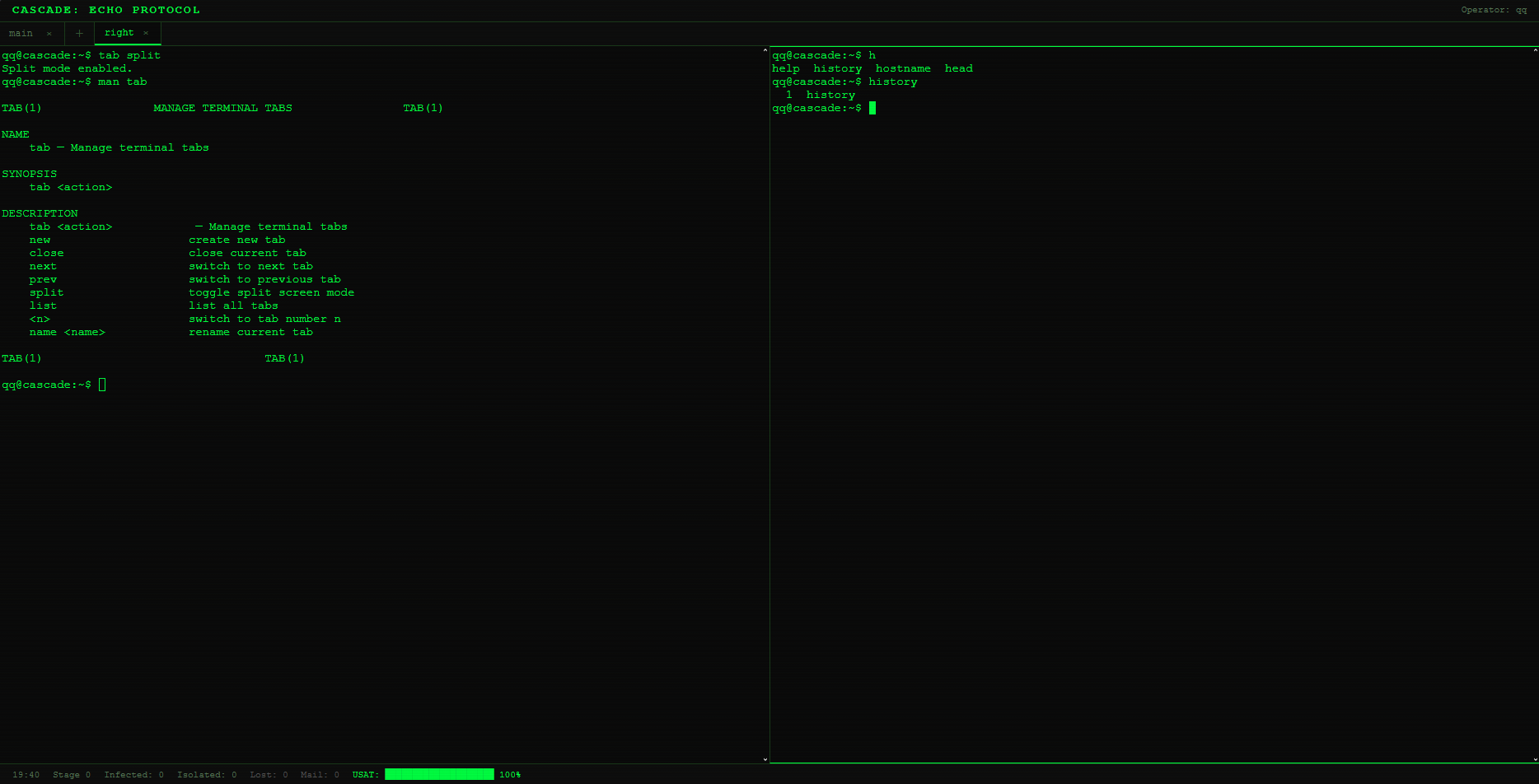
tab <action> Manage terminal tabs.
- new — create a new tab.
- close — close the current tab.
- next / prev — switch to the next/previous tab.
- split — enable/disable split-screen mode.
- list — show a list of all tabs.
- name <name> — rename the current tab.
- <number> — switch to the tab with the specified number.
help Display a list of all available commands.
man <command> Show detailed manual for the specified command (syntax, description, options).
ls [options] [path] Show directory contents.
- -l — long format (permissions, size, owner).
- -a — show hidden files (starting with a dot).
cd <path> Change the current working directory.
pwd Print the full path of the current directory.
cat <file> Display the contents of a text file.
rm [options] <file|directory> Delete a file or directory.
- -r — recursively (for directories).
- -f — forcefully (without confirmation prompt).
cp [options] <source> <destination> Copy a file or directory.
- -r — copy a directory recursively.
mv <source> <destination> Move or rename a file/directory.
mkdir [options] <directory> Create a new directory.
- -p — create all parent directories if necessary.
touch <file> Create an empty file or update its timestamp.
chmod <mode> <file> Change file permissions (e.g., 755, 644).
find [path] [options] Search for files by name.
- -name <pattern> — search by name (supports *).
du [path] Show the amount of disk space used by the specified path.
df Show information about free and used space on the file system.
md5sum <file> Compute the MD5 hash of the file contents.
head [options] <file> Print the first N lines of a file (default 10).
- -n <count> — specify the number of lines.
tail [options] <file> Print the last N lines of a file (default 10).
- -n <count> — specify the number of lines.
sort <file> Sort the lines of a text file in alphabetical order.
wc <file> Count the number of lines, words, and characters in a file.
ps Show a list of running processes on the current node. The output contains PID, PPID, CPU and memory load, and the command. Helps detect suspicious processes.
kill [options] <PID> Terminate a process by its identifier.
- -9 — forceful termination (SIGKILL signal).
top Display an interactive process monitor with dynamic information about CPU load, memory, and the list of running tasks.
ifconfig [interface up|down] Show the state of a network interface or change it.
- eth0 down — isolate the current node from the network (reduces user satisfaction — USAT).
- eth0 up — restore network connectivity.
iptables -P FORWARD DROP|ACCEPT Manage routing policy for an entire network segment.
- DROP — isolate all nodes in the segment.
- ACCEPT — restore connectivity.
route [add -net <network> gw <gateway>] Show the routing table or add a static route.
traceroute <host> Trace the network path to the specified host. Useful for detecting asymmetric routes and mirror proxies.
ping [options] <host> Check host availability via ICMP.
- -c <count> — number of packets to send.
ssh <user>@<host> Establish an SSH connection to a remote node. Requires the correct username. After connection, the current file system and context switch to the target node.
scp <source> <user>@<host>:<destination> Securely copy a file between the local and remote node (only local copying is supported, the remote part is displayed as an intention).
crontab -l Show current cron jobs (from /etc/crontab). Allows detecting suspicious entries added by a virus.
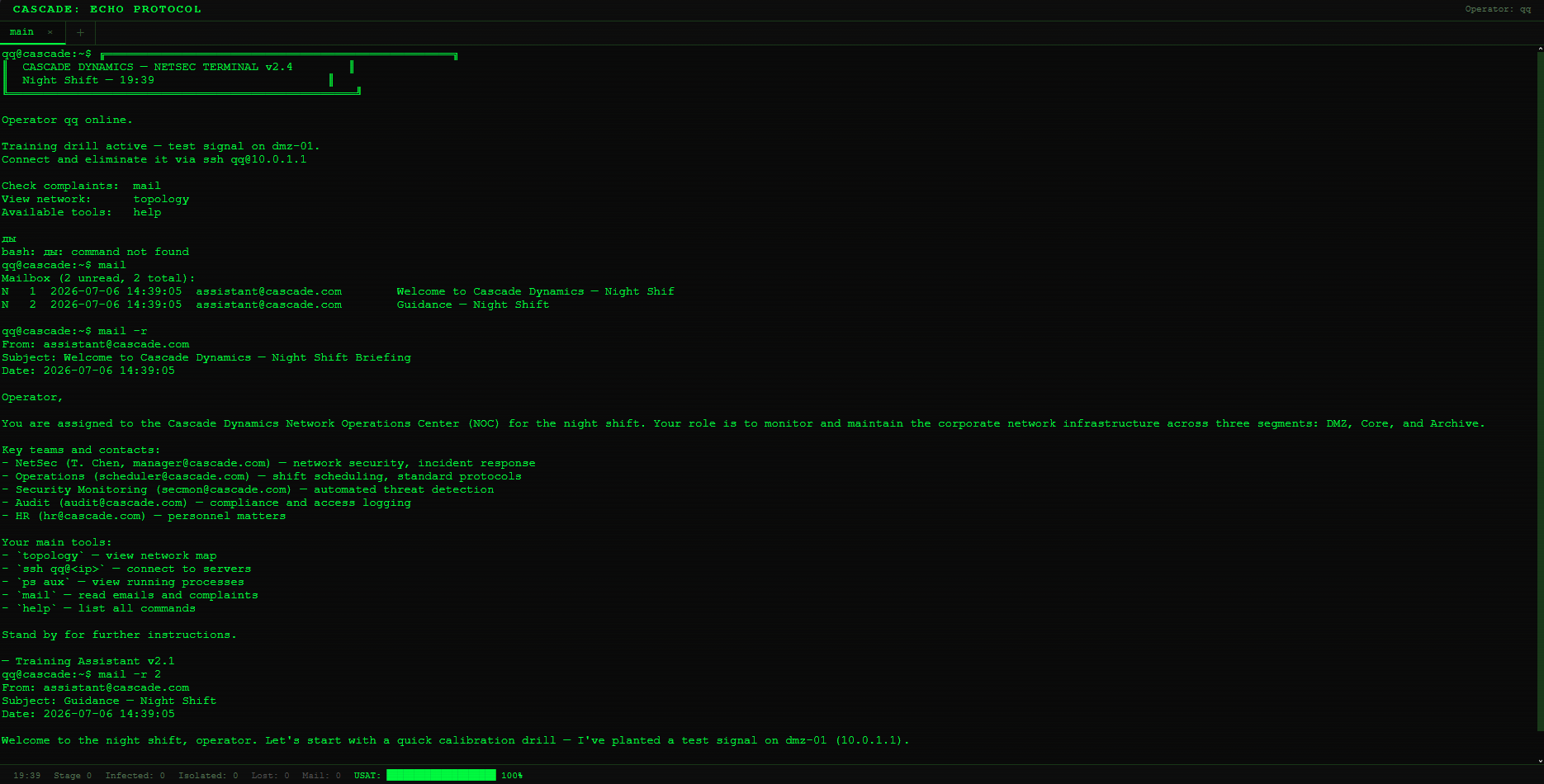
mail Work with email.
- Without arguments — list all emails with read status.
- -r <ID> — read a specific email.
- -r (without ID) — read the first unread email.
uname [options] Show system information.
- -a — full information (kernel, architecture, etc.).
whoami Print the current username.
hostname Show the current node name.
date Display the current date and time (in-game time).
echo <text> Print arbitrary text to the terminal.
exit Terminate the SSH session and return to the local node.
clear Clear the terminal screen.
history Show the command history in the current tab.
topology Display an ASCII network map indicating the state of each node:
- [ ] — clean,
- [X] — infected,
- [#] — isolated,
- {M} — mirror.
sudo <command> Execute a command with superuser privileges (within the game logic).
---
Thanks to DeepSeek for helping me with the translation on English.
Development log
- Tutorial70 days ago
- lol kek cheburek73 days ago
- Продолжаем играться75 days ago
- Start78 days ago
Leave a comment
Log in with itch.io to leave a comment.